
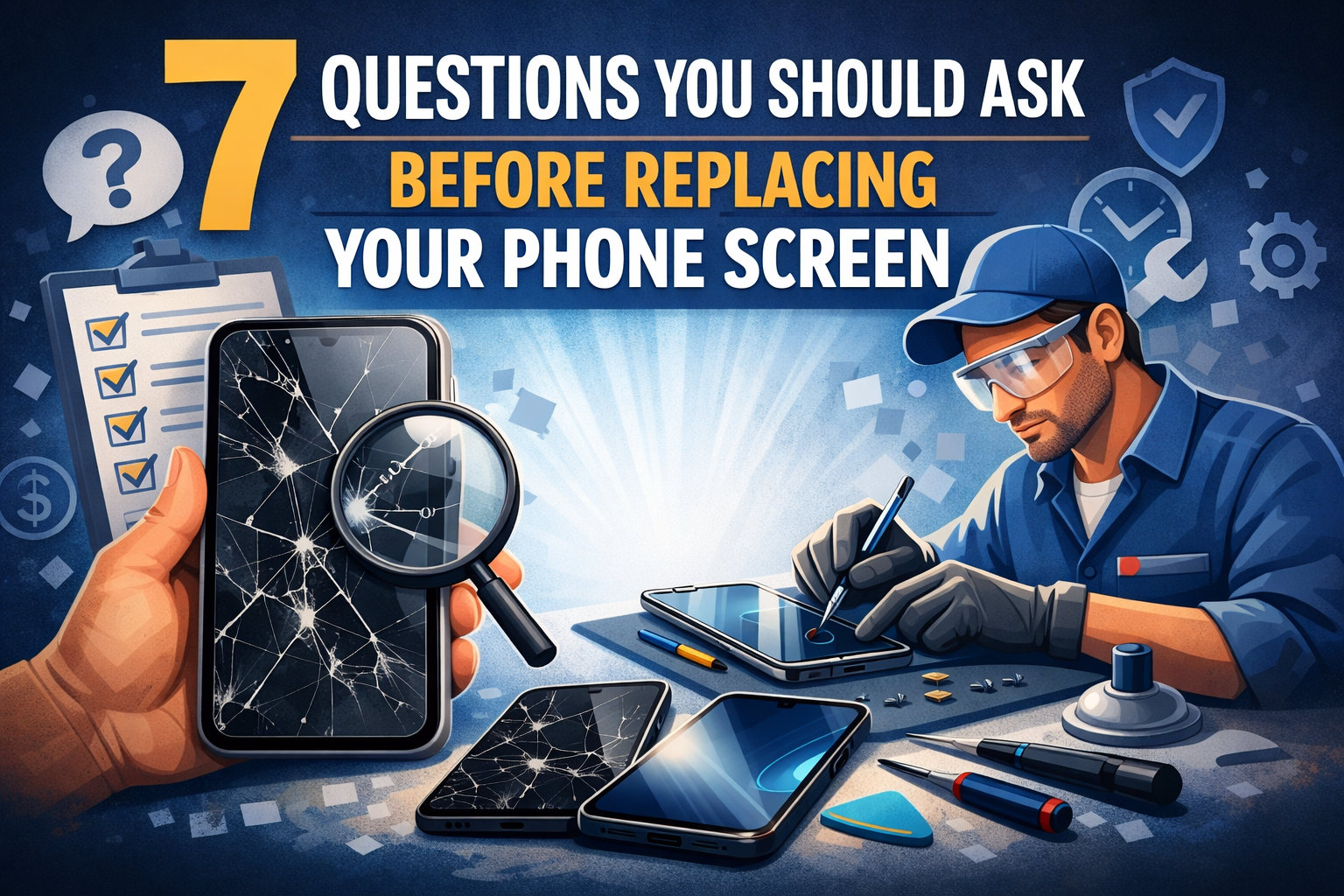
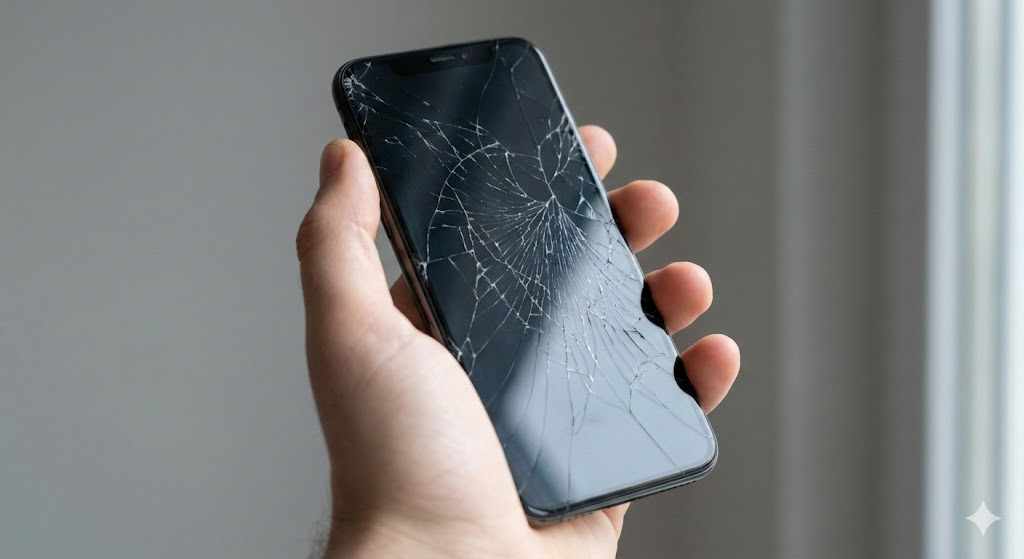
A cracked or unresponsive display can disrupt your work, communication, and daily routine. Before you rush into a replacement phone screen, you should pause and ask the right questions. Screen repairs vary in quality, cost, and long-term impact. If you make a quick decision without proper evaluation, you may face recurring damage, hidden charges, or reduced device performance.
As a consultancy-focused platform, we provide professional advisory insights to help you make informed decisions before authorizing any repair. Asking the right questions protects your device, your data, and your investment.
1. Is the Screen the Only Component Damaged?
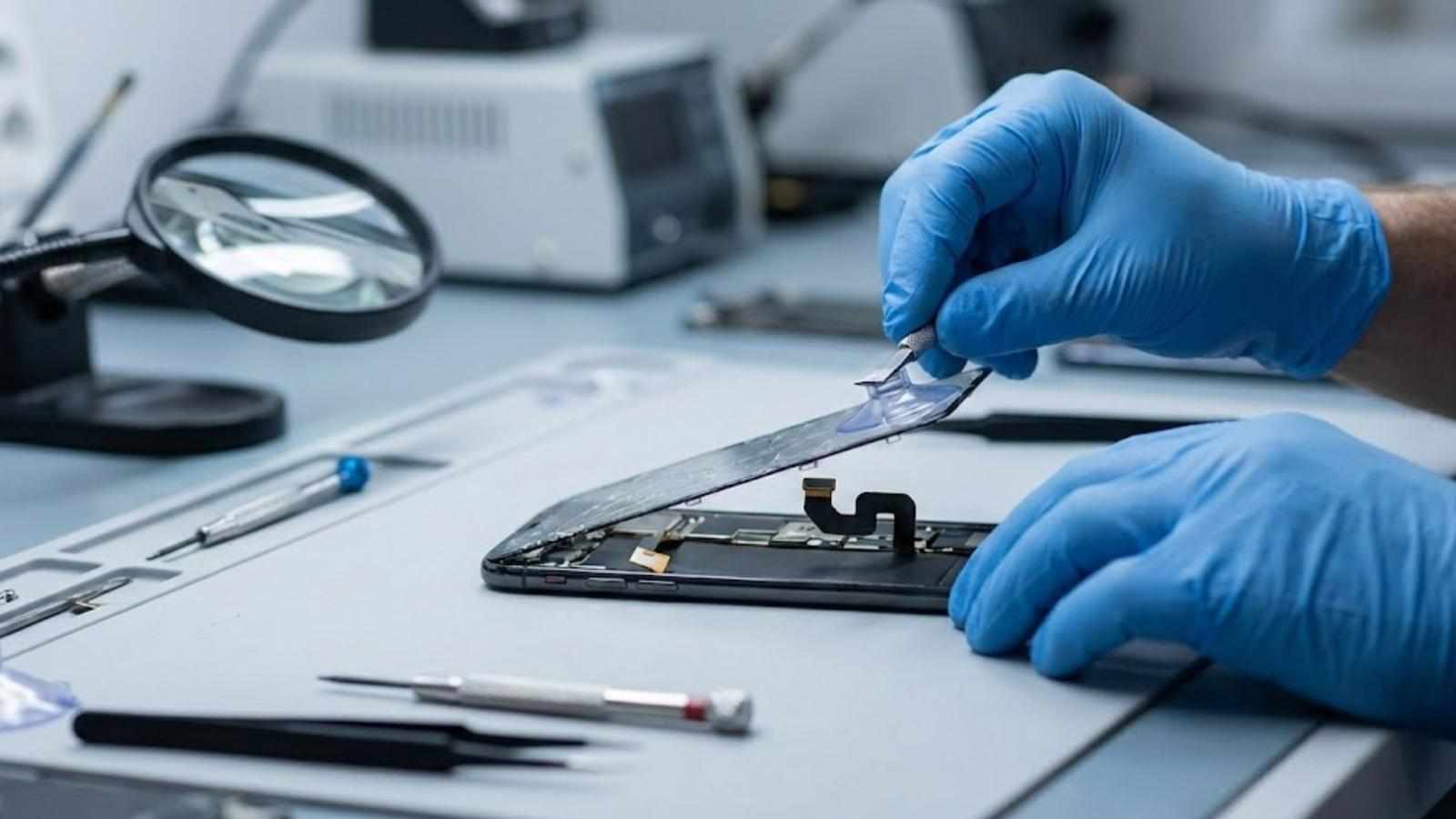
Many users assume a visible crack means only the glass needs attention. However, smartphones contain multiple display layers, including the glass, digitizer, and LCD or OLED panel. A fall can also affect internal connectors, front cameras, or sensors.
You should ask a technician to perform a diagnostic assessment before approving a replacement phone screen. A proper evaluation identifies:
Dead pixels or display discoloration
Touch sensitivity issues
Face recognition sensor disruption
Internal frame bending
If you skip diagnostics, you risk replacing the screen while leaving hidden damage untreated. That decision may result in future malfunctions and additional costs.
2. What Type of Screen Will Be Installed?
Not all screens offer equal quality. You should clearly ask whether the replacement will use:
Original manufacturer parts
OEM-equivalent components
Aftermarket alternatives
Original screens typically maintain brightness, color accuracy, and touch responsiveness. Lower-grade screens may reduce display clarity, affect battery performance, or compromise durability.
As a consultancy-based recommendation, always request written confirmation of the screen type before approving the repair. Documentation protects you in case of performance disputes later.
3. Will the Repair Affect Water Resistance?
Many modern smartphones from brands like Apple and Samsung include water-resistant sealing. Once a technician opens the device, that factory seal breaks.
You should ask:
Will the technician restore water-resistant adhesive?
Does the service provider pressure-test the device after repair?
Will you receive documentation confirming seal replacement?
If you ignore this factor, your phone may become vulnerable to moisture damage. Even minor exposure to humidity could cause internal corrosion.

4. What Warranty Covers the Screen Replacement?
A screen repair without warranty exposes you to unnecessary risk. You should ask:
How long does the warranty last?
Does it cover touch issues and display faults?
Does it include labor and parts?
Professional advisory standards recommend obtaining written warranty terms. Verbal promises offer no protection. If the screen develops ghost touch or flickering problems after installation, you need documented coverage.
Avoid approving any replacement phone screen without clarity on after-service protection.
5. Will My Data Remain Safe During the Process?
Screen replacement typically does not require data deletion. However, technicians often request your device passcode for testing.
Before authorizing repair, you should:
Back up your data to cloud storage or a secure computer
Remove sensitive apps if possible
Ask about data handling policies
You maintain responsibility for protecting personal information. As part of professional consultation advice, we recommend maintaining control of your data rather than assuming it remains protected automatically.
6. What Is the Total Cost — Including Hidden Charges?
Many repair quotes exclude taxes, diagnostics, or additional component adjustments. You should request a full written estimate before proceeding.
Clarify:
Screen cost
Labor charges
Diagnostic fees
Taxes
Additional repair costs if discovered
A transparent quote prevents surprise charges. From a consultancy perspective, price clarity allows you to compare value rather than choosing solely based on the lowest upfront figure.
7. Is Screen Replacement Better Than Device Upgrade?
In some cases, replacing a damaged screen on an older device may not offer long-term value. You should calculate:
Current device market value
Repair cost percentage relative to replacement cost
Remaining battery health
Software update eligibility
If the screen repair costs more than 40–50% of your device’s current value, upgrading might offer better long-term stability. However, if the device functions efficiently aside from the display, repair remains a practical choice.
A professional advisory approach focuses on financial logic rather than emotional attachment to the device.
Additional Advisory Considerations Before Approving Repair
Beyond the primary eight questions, you should also consider long-term device performance.
Battery Condition
If your battery drains quickly, replacing only the screen may not solve overall usability concerns. Consider whether a combined service would provide better value.
Device Frame Integrity
Bent or warped frames can prevent proper screen sealing. Installing a new screen on a damaged frame may lead to lifting or cracks later.
Insurance Coverage
Check whether your phone insurance covers display repair. Some policies reimburse repair costs partially or fully.
Risk Factors of Poor-Quality Screen Replacement
Choosing the wrong provider can cause ongoing issues:
Reduced brightness
Inconsistent touch sensitivity
Rapid battery drain
Overheating
Display flickering
Low-quality parts may appear acceptable initially but deteriorate quickly. A professional consultation mindset encourages thorough questioning before approval rather than reacting after damage occurs.
When Immediate Replacement Makes Sense
You should act quickly if:
Glass shards expose internal components
Touch input fails entirely
Display blacks out intermittently
Screen damage affects essential communication
In these cases, delaying repair may cause further internal damage.
Consultation-Focused Advice for Business Users
If you rely on your phone for professional communication, you should prioritize minimal downtime. Ask about:
Same-day service availability
Temporary device options
Data confidentiality standards
Business continuity often justifies choosing higher-quality parts over lower-cost alternatives.
Everything Mobile Limited provides consultancy-based insights to help individuals and businesses evaluate repair decisions with clarity and accountability.
Comparing Screen Technologies Before Approval
Modern smartphones use:
LCD displays
OLED displays
AMOLED displays
OLED and AMOLED panels typically provide deeper contrast and lower energy consumption. Replacing an OLED screen with a lower-grade LCD may reduce visual quality and affect device performance.
Always confirm that the replacement matches the original technology.
Long-Term Impact on Device Resale Value
Screen replacement can affect resale value depending on:
Part authenticity
Repair documentation
Cosmetic alignment
Maintaining official receipts and warranty documentation improves resale trust. Buyers often ask whether the device has undergone screen replacement.
Signs You Should Not Delay Repair
You should not postpone service if you notice:
Touch lag
Random app openings
Display color bleeding
Screen separation from frame
Ignoring these signs can worsen internal damage.
Professional Decision-Making Checklist
Before approving a replacement phone screen, confirm:
Diagnostic assessment completed
Screen quality documented
Warranty terms provided
Water resistance addressed
Data backed up
Written cost estimate received
Technician credentials verified
This checklist reduces risk and supports structured decision-making.
Final Advisory Note
Replacing a damaged display involves more than swapping broken glass. It requires cost analysis, quality verification, and long-term performance planning. Asking structured questions ensures you maintain control over the process.
If you need professional consultancy guidance before approving repairs, Contact Us at Everything Mobile Limited to get expert support and evaluate your options, so you can make an informed decision with confidence.





Write a comment ...