
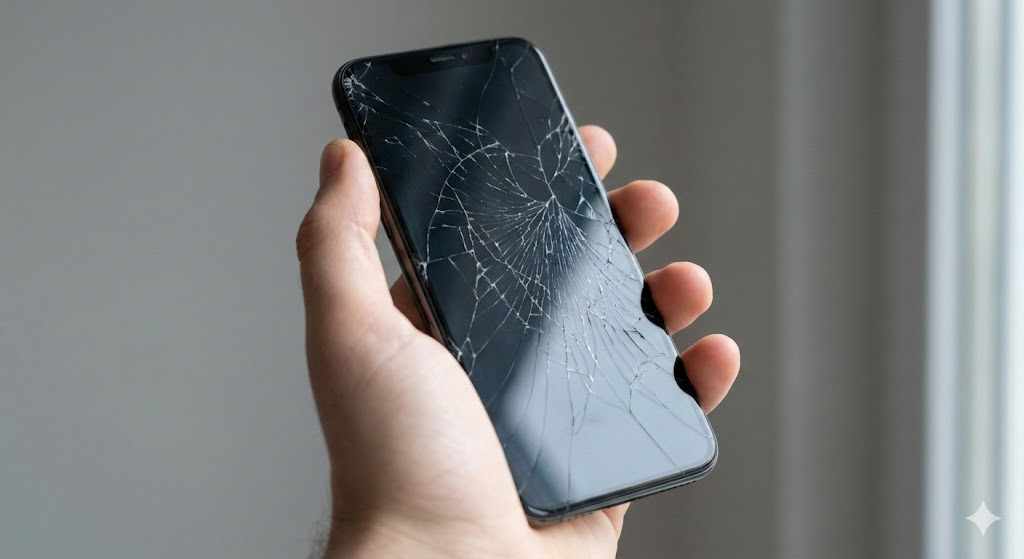
A cracked or unresponsive smartphone display can quickly disrupt everyday life. Messages become harder to read, touch sensitivity drops, and even simple tasks like answering calls can feel frustrating. Many people rush straight to a repair shop as soon as the damage appears. However, taking a moment to evaluate your options can save money, protect your device, and prevent unnecessary repairs.
Before agreeing to a replacement phone screen, it’s important to ask a few key questions. These questions help you understand the actual damage, explore repair options, and ensure the service you receive is reliable and worth the cost.
Below are seven essential questions that can guide you toward the best decision when dealing with a damaged smartphone display.
1. Is the Damage Only on the Glass or the Entire Display?
Not all screen damage is the same. Sometimes a phone only has surface cracks on the outer glass, while the display and touch sensors underneath continue to work perfectly. In other situations, the internal LCD or OLED panel may also be damaged.
Signs that only the glass is cracked may include:
The screen still displays images clearly
Touch controls work normally
No dark spots, flickering, or discoloration
However, if you notice issues like black patches, vertical lines, or unresponsive touch areas, the internal display might be affected. In these cases, the entire display module often needs to be replaced.
Understanding the difference helps you determine whether a replacement phone screen is actually required or if a simpler repair solution may be possible.
2. Is Repairing the Screen Worth the Cost?
Another important factor to consider is the cost of repair compared to the value of the device. For newer smartphones, repairing the screen is usually the most economical choice. Replacing a screen can restore the device to near-new condition and extend its lifespan.
However, if your phone is several years old or already experiencing other hardware problems, investing in repairs might not be the best option.
Ask yourself:
How old is the device?
Does it still receive software updates?
Are there other issues such as battery problems or charging faults?
If the phone still performs well and meets your needs, repairing the screen may be a practical investment.
3. What Type of Replacement Parts Will Be Used?
Not all replacement parts are the same. Repair shops typically offer different options depending on quality and price. Understanding the difference can help you make a smarter decision.
Common types of screen replacements include:
Original manufacturer parts (OEM):
These are identical to the parts used by the phone manufacturer. They usually offer the best display quality and durability.
High-quality aftermarket parts:
These screens are made by third-party manufacturers but often provide similar performance at a lower cost.
Low-cost generic parts:
These may reduce repair costs but can sometimes result in reduced brightness, weaker touch sensitivity, or lower durability.
Before agreeing to a repair, ask what type of screen will be installed. Choosing a reliable part ensures the replacement phone screen performs well and lasts longer.

4. Will the Repair Affect My Phone’s Warranty?
Many smartphones come with manufacturer warranties or extended protection plans. In some cases, having the device repaired by an unauthorized technician can void that warranty.
If your phone is still under warranty, check the terms carefully before proceeding with a repair. Some manufacturers require repairs to be performed through official service centers.
If the warranty has already expired, you may have more flexibility when choosing a repair provider. Still, it’s wise to select a technician who offers their own repair guarantee for peace of mind.
Understanding how repairs affect warranties helps you avoid unexpected issues in the future.
5. How Long Will the Repair Take?
For many people, their smartphone is an essential daily tool used for communication, navigation, work, and entertainment. Being without it for days can be inconvenient.
Screen repairs typically take anywhere from 30 minutes to a few hours, depending on the device model and repair complexity. However, certain phones require more careful disassembly, which may extend the repair time.
When contacting a repair service, ask:
How long the repair normally takes
Whether same-day service is available
If an appointment is required
Knowing the estimated repair time helps you plan ahead and avoid unnecessary disruption.
6. Is My Data Safe During the Repair Process?
Your smartphone contains valuable personal data, including photos, contacts, emails, and documents. Although screen repairs usually do not involve accessing your files, it’s always best to take precautions.
Before handing your phone to a technician, consider these steps:
Back up your data to cloud storage or a computer
Remove sensitive files if possible
Log out of important accounts
Enable screen locks or privacy settings
Reputable repair providers respect customer privacy and avoid accessing personal data. Still, performing a backup ensures you are fully protected in case something unexpected occurs.
Protecting your information is just as important as repairing the hardware.
7. Is the Repair Shop Experienced and Trustworthy?
Not all repair services provide the same level of quality. An inexperienced technician may use low-quality parts or perform the repair incorrectly, which can lead to further problems.
Before choosing a repair provider, look for signs of reliability such as:
Positive customer reviews
Clear pricing and repair policies
Warranty or guarantee on repairs
Experienced technicians
Transparent communication
A reputable service provider will be happy to answer your questions and explain the repair process clearly.
Choosing the right repair specialist ensures your device receives proper care and reduces the risk of additional damage.
Additional Tips for Protecting Your Screen After Repair
Once your phone screen is repaired, taking preventive measures can help avoid future damage. Screens are one of the most vulnerable parts of a smartphone, but a few simple steps can improve durability.
Use a protective case:
A shock-absorbing case can reduce the impact of accidental drops.
Install a screen protector:
Tempered glass protectors add an extra layer that absorbs scratches and minor impacts.
Avoid placing phones in crowded pockets or bags:
Pressure from keys or other objects can weaken the glass.
Handle the device carefully during outdoor activities:
Many screen breaks happen while walking, traveling, or exercising.
These habits help protect your investment and reduce the likelihood of needing repairs again.
When Screen Damage Should Not Be Ignored
Sometimes users delay repairs because the device still works. While a small crack may seem harmless at first, it can worsen over time.
Ignoring screen damage can lead to:
Spreading cracks
Reduced touch responsiveness
Exposure to dust and moisture
Internal display damage
Eventually, a minor crack can turn into a major repair if the underlying components become affected.
Addressing screen damage early can prevent more expensive repairs later.
Choosing a Reliable Mobile Repair Partner
Finding a trustworthy repair provider makes a significant difference in the quality and longevity of your device repair. Skilled technicians use proper tools, follow safe repair procedures, and install dependable components.
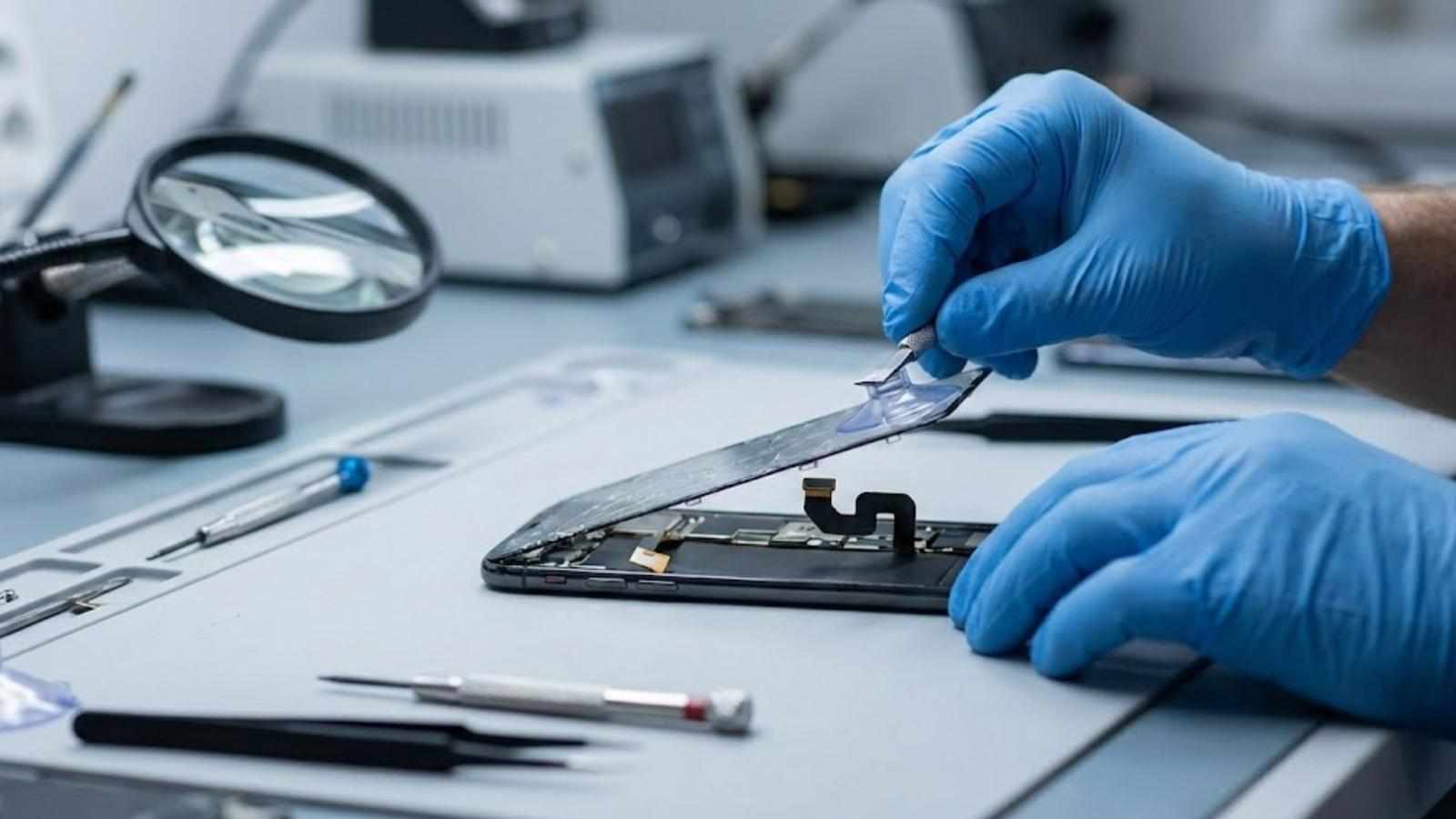
Professional repair services also perform device testing after installation to ensure the screen functions correctly, including touch accuracy, brightness, and display clarity.
For individuals and businesses seeking dependable device repairs, Everything Mobile Limited provides professional support, high-quality parts, and reliable service. With expertise in smartphone repairs and refurbishment, the company helps extend device life while maintaining performance and reliability. Whether dealing with cracked glass, display issues, or a complete screen failure, their experienced team ensures each device receives careful attention and effective solutions.





Write a comment ...